
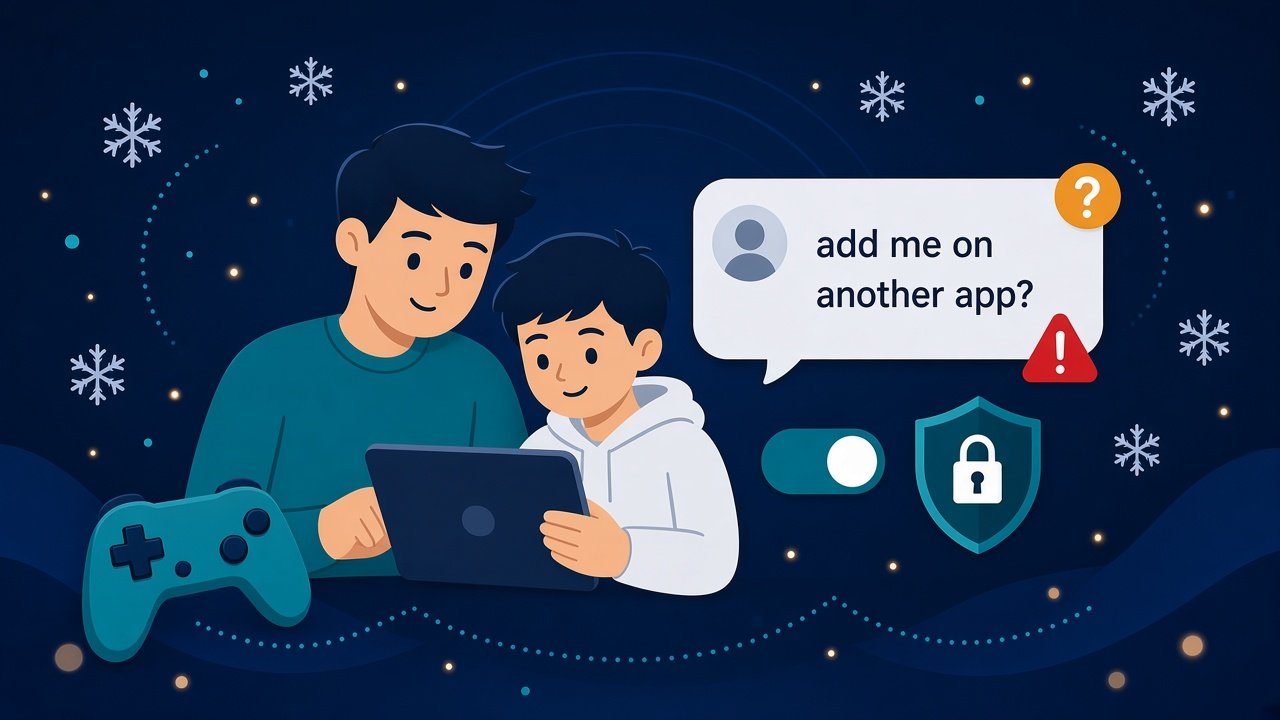
It often starts in a game. Your child is having a good run, another player says “gg, you’re really good”, and a minute later comes the message: “add me on Discord, it’s easier to chat.” It sounds friendly and harmless, and over the Christmas holidays, with new consoles and lots of free time, children will see it a lot.
On Monday we looked at who your child is really playing with in game chat. This week is about the next step that worries child-safety experts most: being moved off the game and onto a chat app. The app children hear about most is Discord, so here is a calm, practical guide to it.
What is Discord, and why do gamers use it?
Discord is a free chat app for text, voice and video. People gather in “servers”, which work like clubs or message boards built around a game or hobby, and they can also send each other direct messages. The NSPCC explains that it is popular with gamers, who use it to talk while they play and to swap tips, though it is now used well beyond gaming too.
Discord’s minimum age is 13. If your child is younger, the simplest answer is that they should not have an account yet, however many friends say they have one.
Why “add me on another app” matters
Moving a conversation from a game to a private chat app is a well-known warning sign. The NSPCC lists any suggestion of taking the conversation to another messaging app as something to look out for in online games, and it notes that anyone aged 13 or over can join public Discord servers, which can bring children into contact with people who do not have their best interests at heart.
The reason is simple. In a game, chat is short, public-ish and about the game. In a private chat app, a stranger can talk to your child one-to-one, for longer, away from the game’s moderators and away from you. That is why our family rule is short: never move to another app to chat with someone you only know from a game.
What Discord has changed for UK teens
Safer default settings
Under the UK’s Online Safety Act, Discord says all UK users now get stronger default settings until they confirm they are an adult. These include:
- Message requests are on. Direct messages from people who are not friends go into a separate requests inbox to be reviewed first. Turning this off requires confirming you are 18 or over.
- Sensitive images are filtered. Flagged images and videos are blurred in messages from friends and in servers, and blocked in messages from strangers.
- Friend request alerts. Users are warned before accepting a friend request from someone they share no friends or small servers with.
- 18+ spaces are locked. Age-restricted servers and channels are not available without confirming adult age.
Family Center for parents
Discord also offers Family Center. Your teen connects to you from their own settings, and you then see an activity summary for the last seven days: new friends, who they have messaged or called, servers joined and purchases. You do not see the messages themselves. Once connected, you can also help manage some settings, such as who can send friend requests and whether server members can send direct messages.
What settings cannot do
These changes are genuinely helpful, but they do not stop a stranger from asking your child to add them, and a request inbox only works if your child knows not to accept. Family Center also depends on your teen choosing to connect. Settings reduce the risk. Conversations do the rest.
Your Discord safety checklist
Ofcom’s Parents: Power Up advice for gaming boils down to Check, Chat, Change. Here is how that looks for Discord:
- ☐ Check the age. Under 13? No account. 13 or over? Make sure the account has their real date of birth.
- ☐ Switch game chat to friends only on their games and consoles, so fewer strangers can message them in the first place.
- ☐ Limit friend requests. In Discord’s Privacy & Safety settings, choose who can add them as a friend (for example, friends of friends only).
- ☐ Turn off DMs from server members using the “Allow direct messages from server members” setting, as the NSPCC suggests.
- ☐ Leave message requests on and agree that requests from people they do not know get ignored.
- ☐ Set up Family Center together and explain that you will see who they talk to, not what they say.
- ☐ Find the Block and Report buttons together before they need them.
- ☐ Agree the rule: nobody from a game gets moved to another app without asking you first.
If someone has already moved the chat
Stay calm and thank your child for telling you. Take screenshots, then block and report the account. If you are worried that an adult is grooming your child, or someone has asked them for images, report it to CEOP, part of the National Crime Agency. You can also call the NSPCC Helpline on 0808 800 5000, and children can call Childline on 0800 1111.
Final Thoughts
Discord is not the enemy, and plenty of teens use it happily with real-life friends. The risk is the jump: a stranger from a game who wants to talk somewhere more private. Settings help, and the UK changes are a step forward, but for now it’s parents’ responsibility to make sure your child only plays online with people they know in real life, and never moves to another app to chat.
Parent Tip
Instead of only saying:
“You’re not allowed on Discord.”
Try saying:
“If anyone from a game asks you to add them somewhere else, show me first. You won’t be in trouble, and we’ll decide together.”
It keeps the conversation open, so you hear about the invite before it turns into a chat.
Follow The Safe Click on TikTok
Want quick, 30-second safety tips you can actually use? Follow The Safe Click on TikTok for short videos for busy parents.